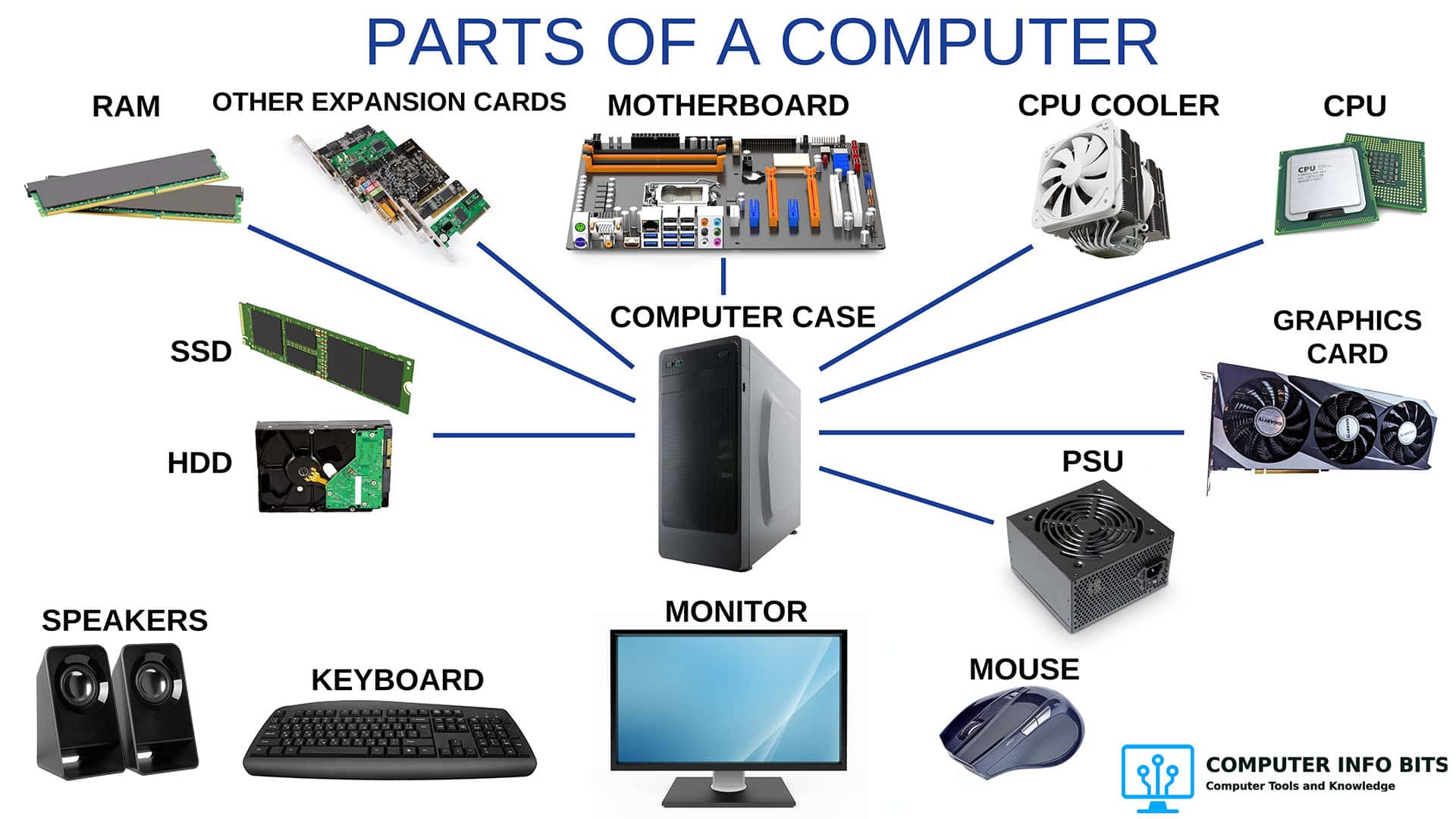
Parts of a Computer and Their Functions
Understand the CPU, motherboard, memory, graphics card, storage, power supply, cooling, and connections.
Identify every PC part →Practical computer knowledge
Computer Guides and Tutorials help you understand how a PC works, solve problems, plan upgrades, and use Windows with confidence. Every article is written from hands-on systems engineering experience and focuses on one useful answer.
Start with the goal closest to your question. Each section collects related articles so you can move from a simple explanation to a practical next step.
Learn what the main parts do, how they work together, and which specifications matter.
View 5 guides →Use clear checks to separate a hardware fault, heat problem, weak connection, or normal software slowdown.
View 6 guides →Plan a worthwhile upgrade, improve cooling, understand electricity use, or adjust a practical Windows setting.
View 4 guides →Computer fundamentals
Learn what the main parts do, how they work together, and which specifications matter.
Understand the CPU, motherboard, memory, graphics card, storage, power supply, cooling, and connections.
Identify every PC part →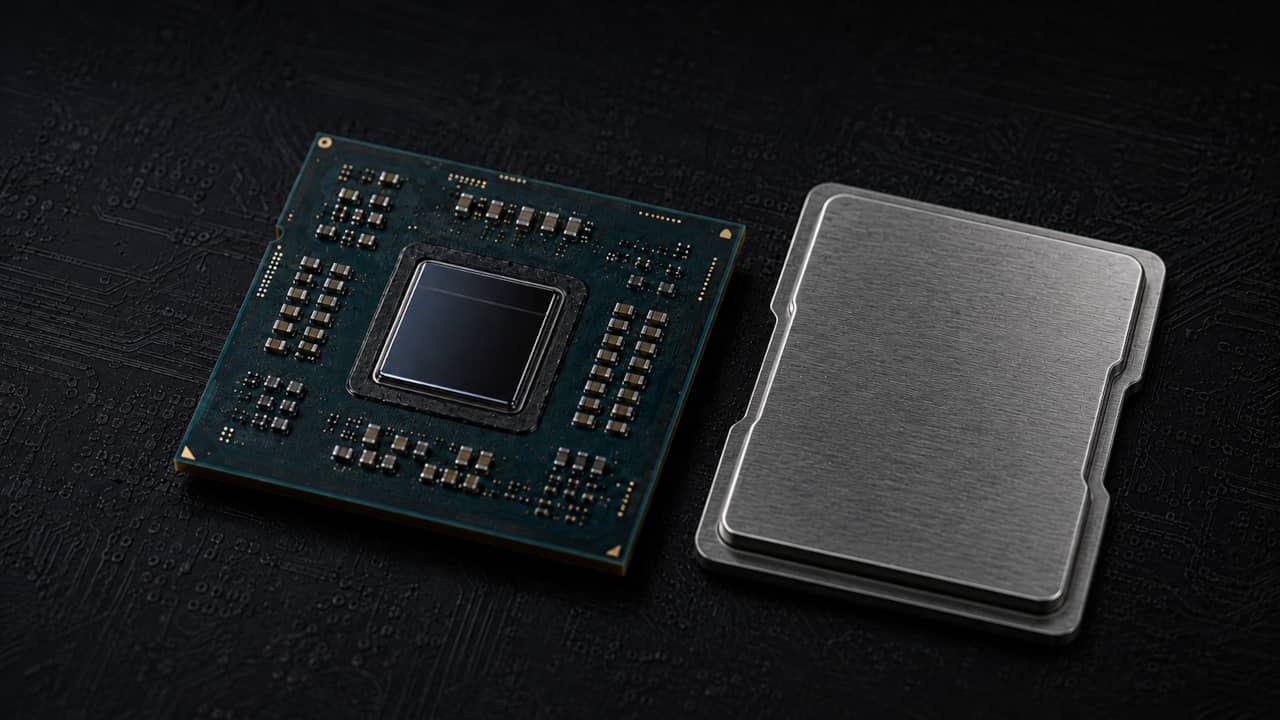
Learn how the control unit, ALU, registers, cache, clock, and memory controller work inside a processor.
See how a CPU works →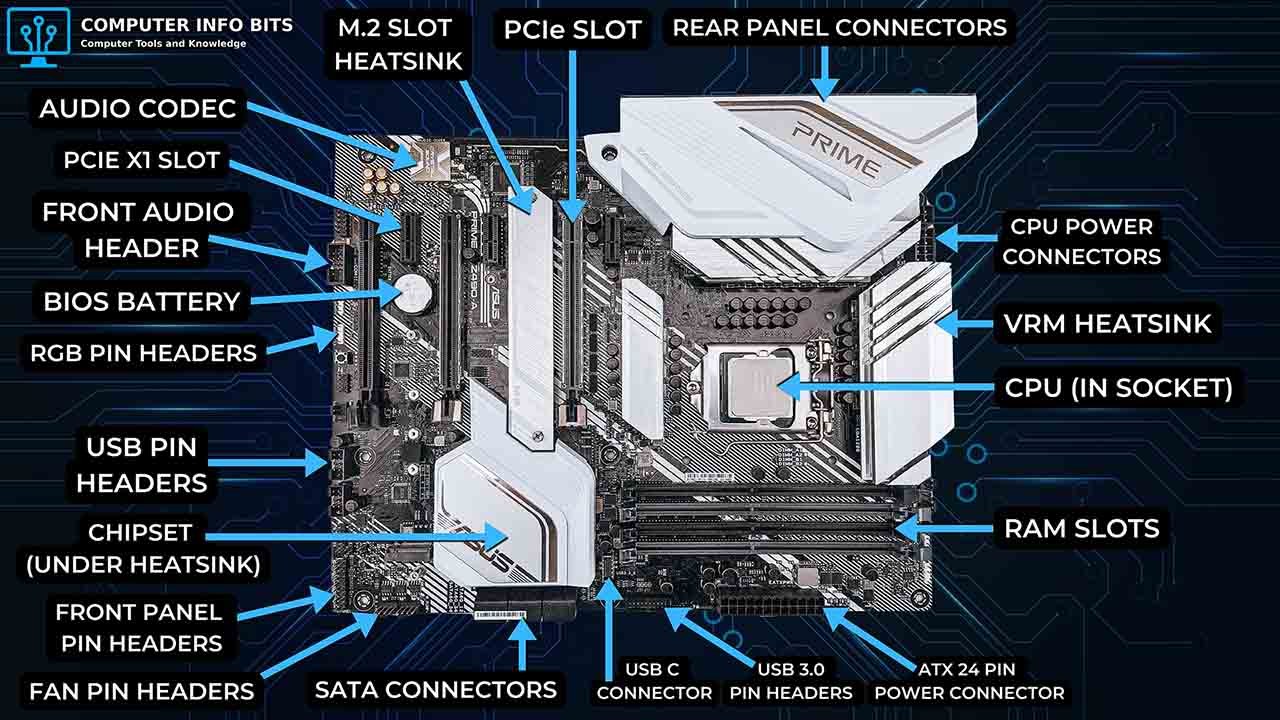
Identify the CPU socket, chipset, memory slots, PCIe slots, storage connectors, BIOS chip, and rear ports.
Identify motherboard parts →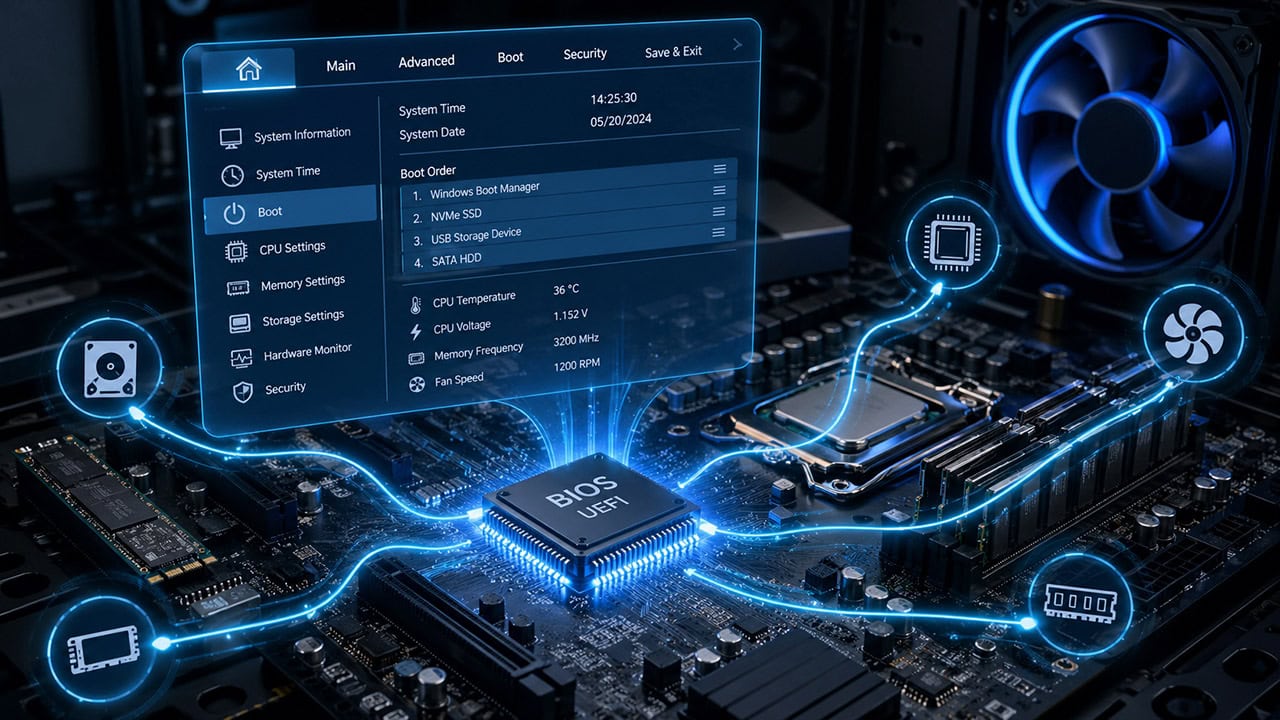
See what happens before Windows starts, including POST, boot selection, hardware settings, Secure Boot, and UEFI.
Understand BIOS startup →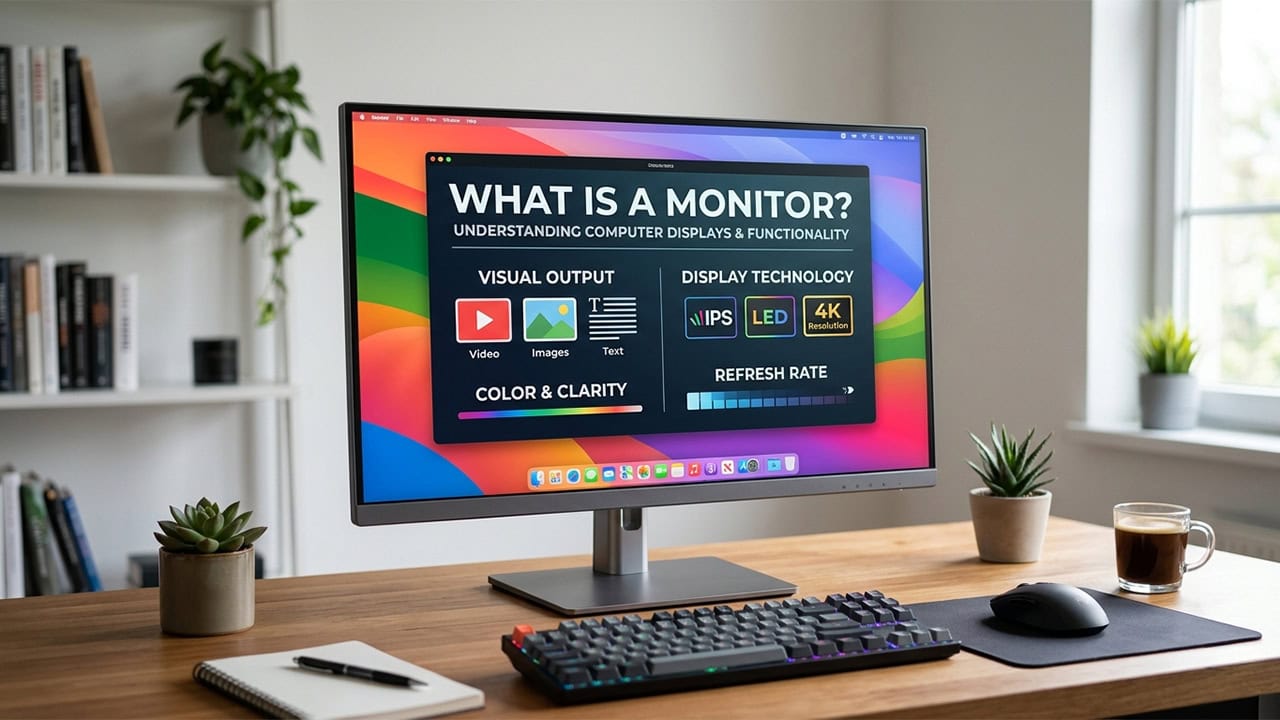
Compare IPS, VA, OLED, and TN panels, along with resolutions, refresh rates, and display connections.
Compare monitor types →Troubleshooting and maintenance
Use clear checks to separate a hardware fault, heat problem, weak connection, or normal software slowdown.
Confirm the amount and speed, test the memory, isolate a bad stick, and check unstable XMP settings.
Test your computer's RAM →
Check startup behavior, temperatures, Windows errors, and stability under a controlled stress test.
Test your CPU safely →
Confirm Windows detects the card, check the intended GPU and its fans under load, compare one benchmark, and isolate a likely fault.
Run the GPU checks →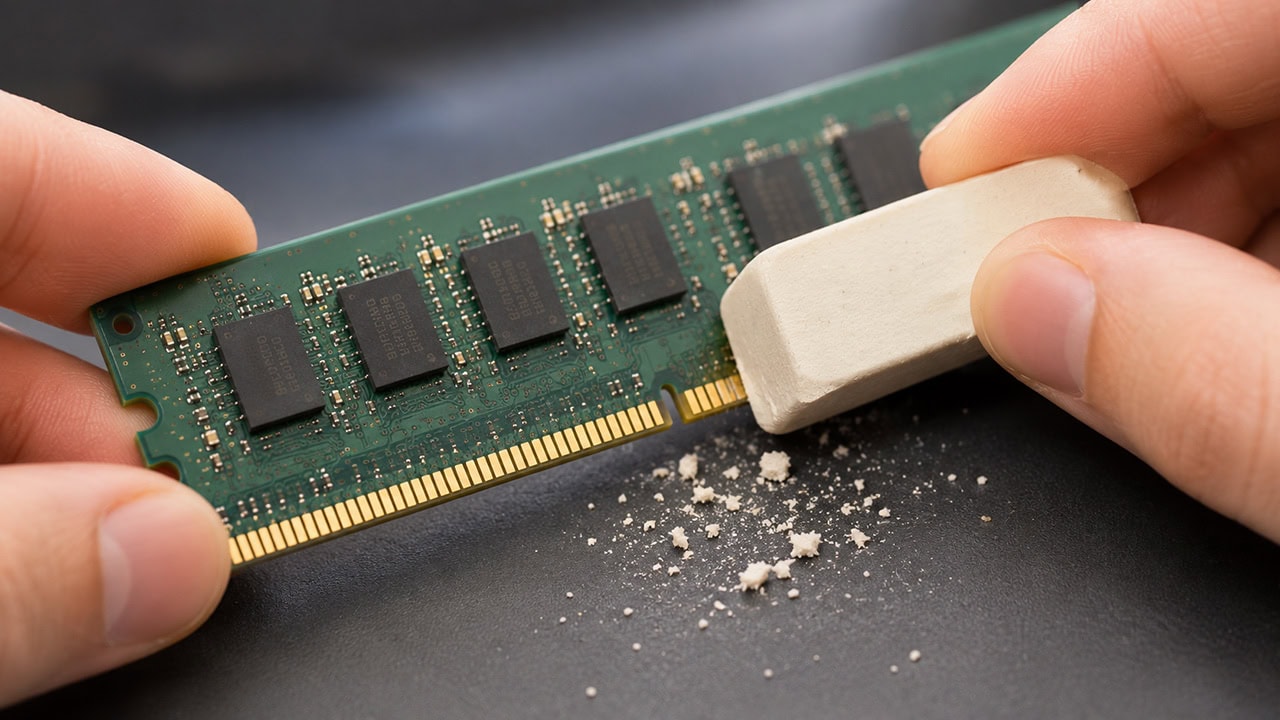
Clean and reseat a memory stick safely when a weak electrical connection causes startup or stability problems.
Clean RAM contacts safely →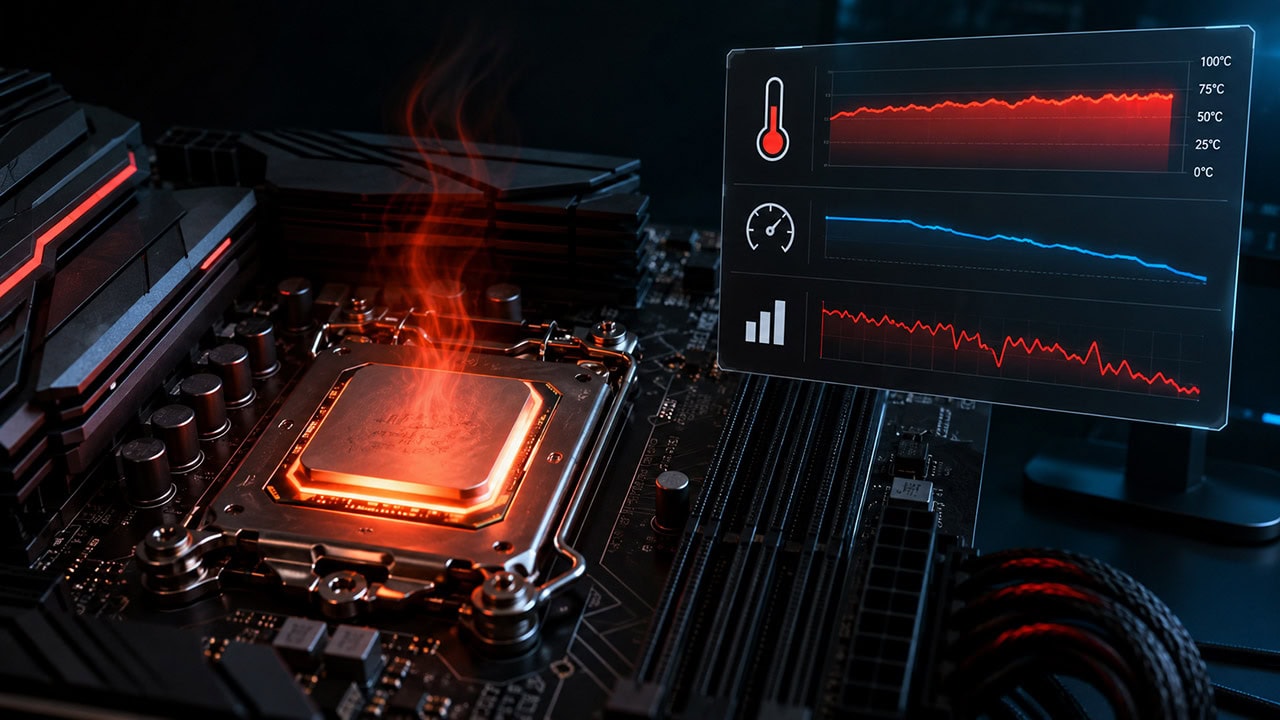
Check temperature limits, clock speed, and throttling indicators without confusing heat limits with power limits.
Check for CPU throttling →
Find out whether heavier software, background programs, limited storage, heat, or aging hardware is responsible.
Find the slowdown cause →Upgrades and everyday use
Plan a worthwhile upgrade, improve cooling, understand electricity use, or adjust a practical Windows setting.
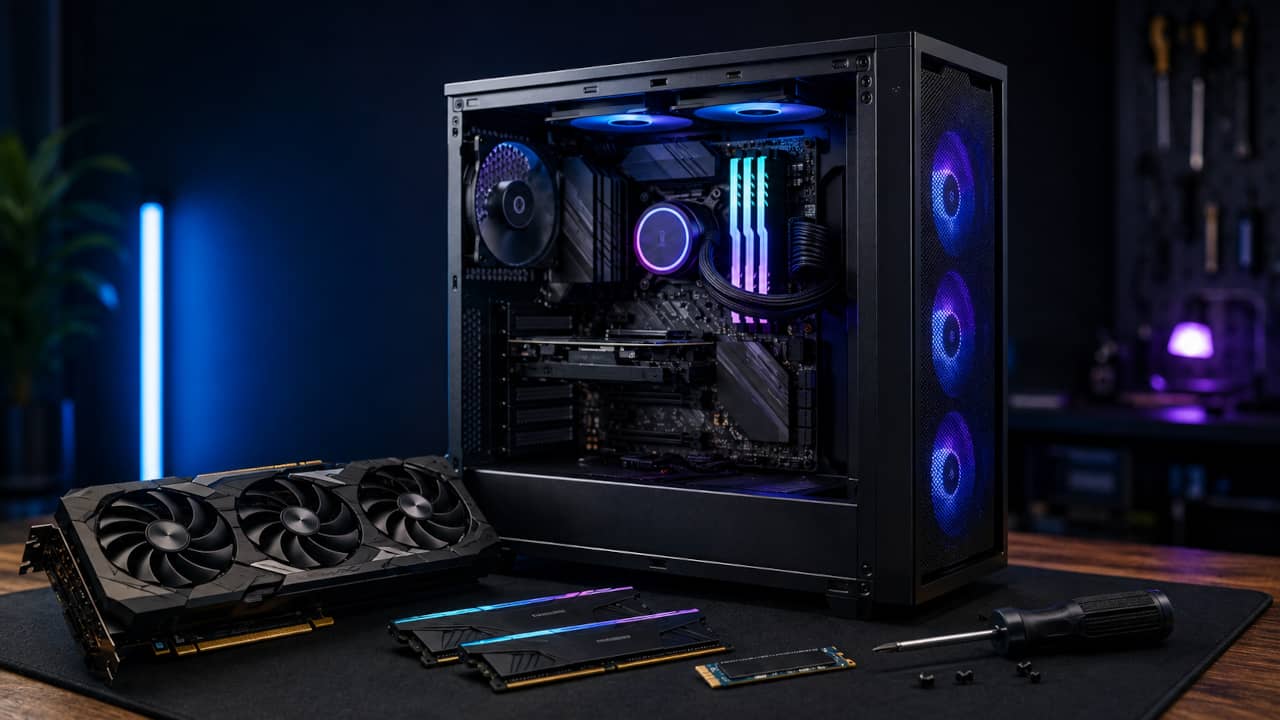
Choose a useful upgrade, confirm compatibility, install the part safely, and test the finished computer.
Plan your PC upgrade →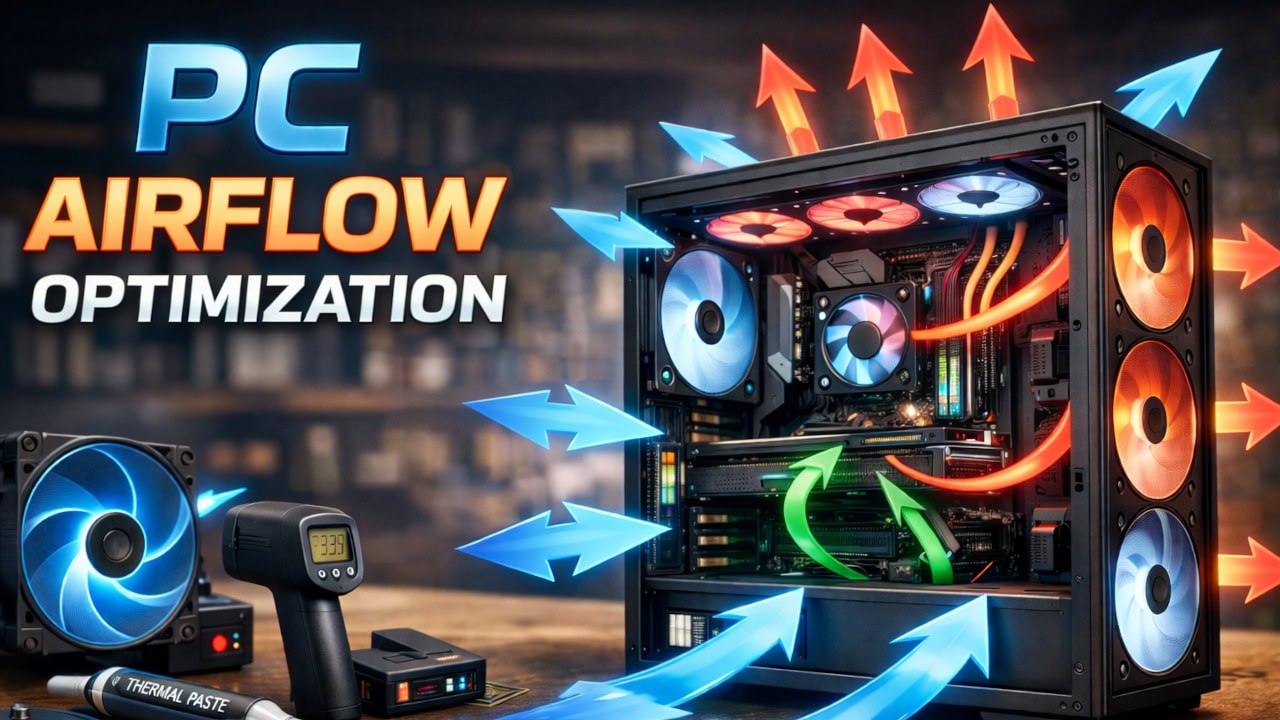
Set up intake and exhaust fans for useful airflow, sensible pressure, lower temperatures, and less dust.
Set up better airflow →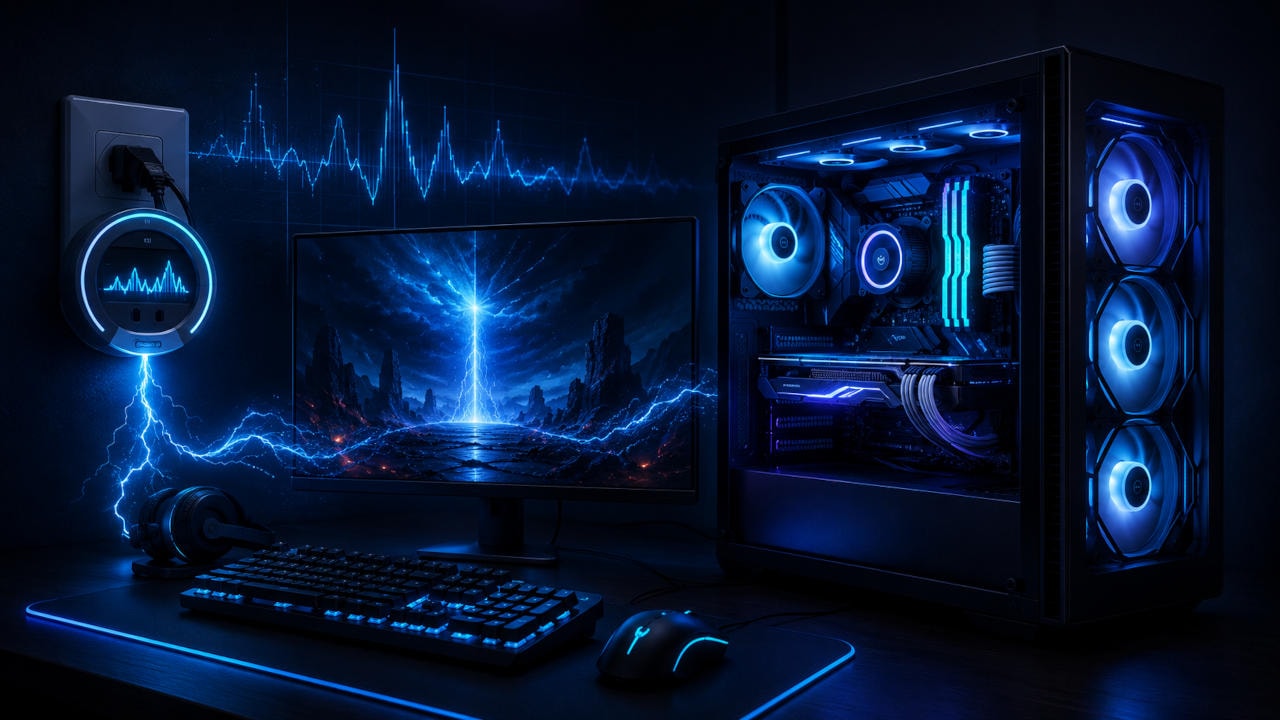
Estimate real power use, yearly electricity cost, and which settings make the greatest difference.
Estimate gaming PC costs →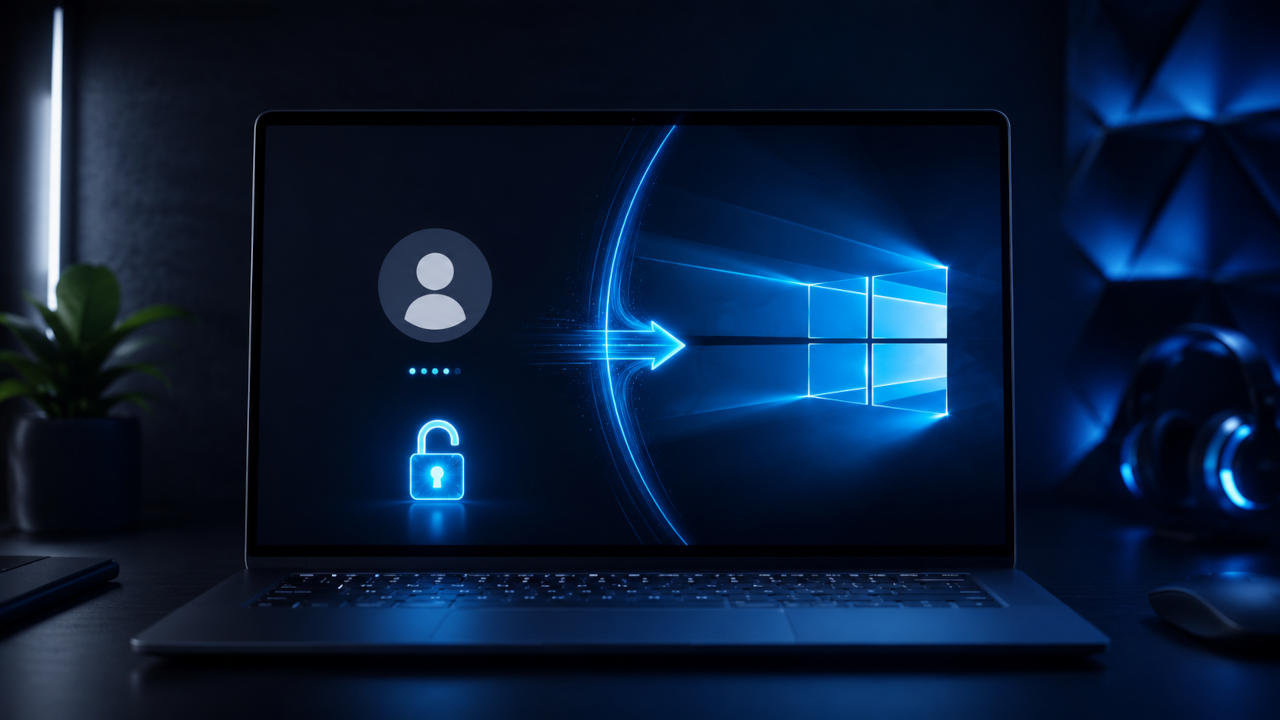
Choose from three clear methods to start Windows without entering the account password each time.
Set up automatic login →About these guides
Marlo Strydom writes every guide from more than 20 years of experience working with computer hardware, Windows systems, electronics, and technical support. The aim is to explain the subject clearly, test practical steps where possible, and help you make a sensible decision without filler.
This collection will continue to grow across computer hardware, software, networking, maintenance, and everyday technology. If there is a subject you would like covered, you can suggest it through the contact page.
Suggest a computer topic →