What FPS Do You Need for Gaming?
By Marlo Strydom · Last updated
What FPS do you need for gaming? The honest short answer is somewhere between 60 and 240, depending on three things almost nobody mentions up front: your monitor, the games you play, and how steady your frame rate stays in the worst moments.
A noisy average that nosedives during busy scenes can feel worse than a lower number that holds steady. A 240 ceiling on a 60 Hz screen is invisible. And the right target for a fast-paced shooter is nothing like the right target for a turn-based strategy game.
This guide walks through those layers, gives working numbers per genre, and ends at a calculator that turns the general answer into what your specific setup will actually deliver.
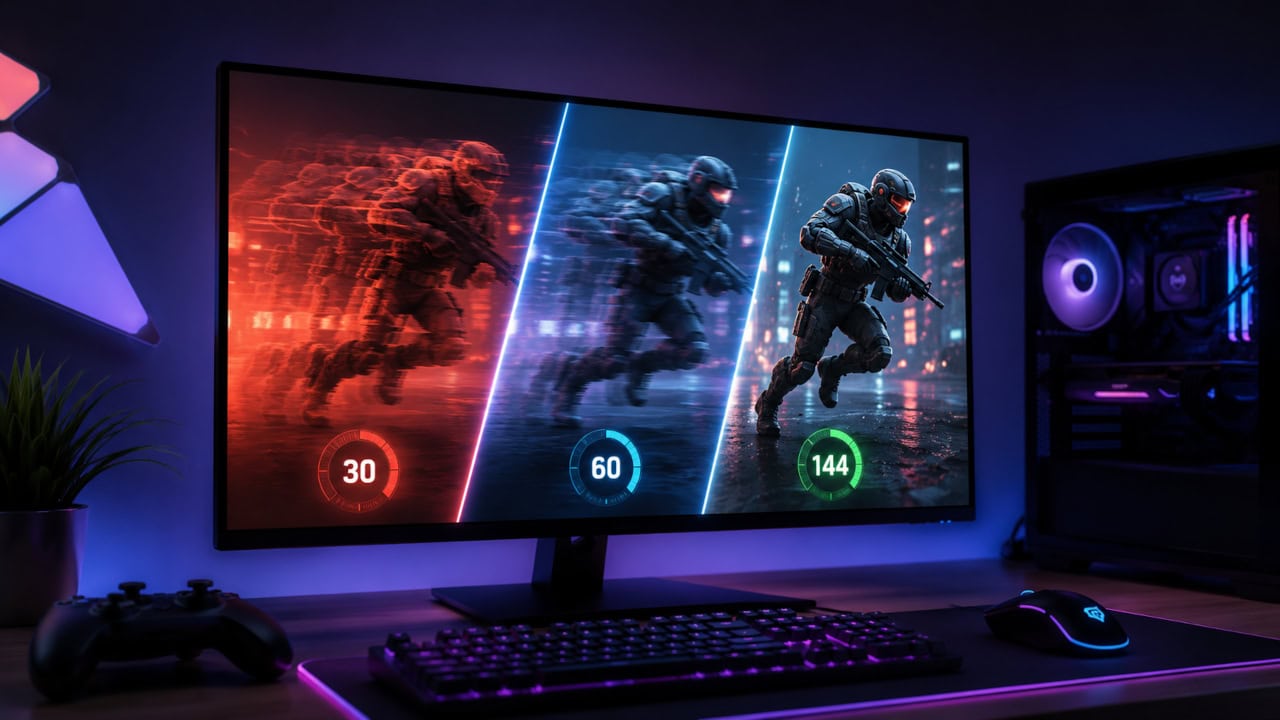
Working targets (with caveats)
For almost any title to feel playable, 60 frames per second is the working floor. For fast-paced genres where smoothness matters, 120 to 144 is the comfort target. For high-stakes shooters where reaction time is measured in milliseconds, 240 and above is genuine territory.
| Frame rate | What it feels like | Best for |
|---|---|---|
| 30 FPS | Playable but visibly choppy | Slower-paced or older titles |
| 60 FPS | Smooth, the working floor | Almost any game |
| 120 to 144 FPS | Noticeably fluid and responsive | Fast-paced and online play |
| 240+ FPS | Razor-sharp motion | Competitive shooters |
Those numbers are useful, but they are not the whole picture. The next five sections cover why two players with the same average can have very different experiences, and why the right answer for you might be higher or lower than the figures above.
Your monitor sets the ceiling
If your screen runs at 60 Hz, you will see at most 60 frames per second no matter how many your GPU pushes. The panel is the bottleneck nobody warns you about until they upgrade a graphics card and notice nothing changed on the screen itself. Those wasted frames are not free either, since the graphics card burns real power rendering frames you never see, which feeds straight into how much energy a gaming PC uses.
High-refresh displays are how you reach the upper brackets. A 144 Hz panel can show 144 frames per second. A 240 Hz panel can show 240. A 360 Hz panel can show 360. GPUs from the last two generations can drive most current titles at these rates when settings are tuned, so the screen is usually the gate.
Variable refresh tech like G-Sync and FreeSync helps smooth out the frame-to-frame mismatch when the GPU dips below the panel's maximum. It does not, however, let the screen draw frames it cannot physically display.
If you are not sure what your panel can actually do, the Monitor Refresh Rate Calculator walks through specs and what they translate to in real terms.
The jumps between tiers shrink fast
The leap from 30 to 60 is enormous. Motion goes from choppy to fluid, and almost every player notices it inside the first second of gameplay. This is the single biggest upgrade you can make to how a game feels.
Going from 60 to 120 is the second-biggest gain. Quick turns look cleaner. Input feels closer to instant. Most casual players plateau here and stop noticing further improvement.
The step from 120 to 240 is real but smaller. The benefit shows up mostly in fast-aim shooters, where pixel-precise tracking of quick-moving targets is helped by the extra frames. Outside of those titles, the difference is hard to spot.
Beyond 240, only trained eyes pick up the change, and only in specific scenarios. For everyone else, the budget that would buy a 360 Hz panel is better spent on a faster GPU, a quieter cooler, or a bigger SSD.
| The jump | Size of the gain | Who notices |
|---|---|---|
| 30 to 60 | Huge | Everyone, almost instantly |
| 60 to 120 | Large | Most players |
| 120 to 240 | Moderate | Mainly competitive gamers |
| 240 and beyond | Marginal | Trained eyes only |
Genre changes the answer more than panel specs do
The right frame rate target depends on what is actually in your library.
- Turn-based strategy and management games (Civilization, Football Manager, RimWorld) feel fine at 60. The action happens at human-decision speed, not bullet speed.
- Open-world RPGs and adventure titles (The Witcher, Elden Ring, Cyberpunk) benefit from 90 to 120. Higher rates make camera pans and exploration feel smoother, but the gameplay does not depend on it.
- First-person shooters and competitive multiplayer (Counter-Strike, Valorant, Apex Legends, Call of Duty) want 144 as a minimum and reward going higher. Reaction time and aim tracking improve in measurable ways.
- Racing sims, flight sims, and rhythm games depend less on raw frame rate and more on consistent pacing. A steady, locked 60 often feels better than a jumpy 120.
The point: pick the target that matches what you actually play, not the highest number you can chase.
Averages lie. The 1% lows are what feel smooth
When reviewers and tools report a frame rate, they usually mean the average over the whole test. The figure that controls how a game feels is the 1% low: the bottom one percent of frames during a session.
A game posting a 120 average but dipping to 30 in the worst moments feels worse than one holding steady at 80. The dips show up as stutter, hitch, or the screen tearing momentarily even with variable refresh on. Your brain registers stutter as broken motion, not a slightly lower average.
This is also why the same title can feel great for one player and broken for another at identical averages. The lows differ even when the means match. Reviewers and benchmark sites have started reporting 1% lows alongside averages for exactly this reason.
Common causes of nosediving lows:
- Heat: CPU or GPU throttling under sustained load
- Background software stealing processor time
- A storage drive that is nearly full
- Games that stream assets from a slow disk at runtime
If the cause looks thermal, the thermal throttling post walks through how to confirm and fix it.
Why benchmark videos rarely match what you see
YouTube reviews and big-site benchmark charts are useful for ranking parts against each other. They are less useful as a prediction of what your specific PC will do, for a few reasons that are not always spelled out on screen.
Reviewers run clean Windows installs with almost nothing in the background. They pair the exact CPU, RAM speed, motherboard, and storage that the test was designed around. They pick a scene from the game that is repeatable and visually busy, which is often not the scene you spend most of your time in.
Your real session has antivirus running, browser tabs open, possibly Discord, sometimes streaming software, and the processor you happen to own. Your memory may be slower. Your drive may stream assets at a lower speed. Your scene may be a busy city instead of the empty meadow the reviewer used.
A gap of 10 to 25 percent between a published benchmark and your actual result is normal, not a sign that anything is broken. If the gap is much larger, the bottleneck calculator can show whether your processor is what holds you back, which is the most common cause.
Find what your setup will actually do
The conceptual answer is one thing. The personal answer, the one that decides whether you need to upgrade or whether your current rig is already enough, is what the FPS calculator on this site is built for. Pick your CPU, your GPU, the game, the resolution, and the settings tier, and it returns an expected range.
A few tests are worth running before committing to any hardware spend:
- Run the same title at 1080p, 1440p, and 4K. See how the result scales with resolution.
- Compare Ultra against High at your preferred resolution. Many games look almost identical between those two but cost 25 to 40 percent of the frame rate.
- Check your current GPU against the model one tier above. The gap is often smaller than YouTube reviews suggest, since testers run the most punishing settings.
The point of these tests is not to chase numbers. It is to find the lowest-effort change that gets your result above the threshold for your panel and what you play. Sometimes that means a new screen instead of new silicon. Sometimes it means dropping one setting from Ultra to High. The calculator tells you which path makes sense before you spend.



Related Posts
How to Know If Your CPU Is Thermal Throttling
Spot the signs of a processor slowed by heat, confirm it with HWiNFO64, and learn the Intel and AMD limits that trigger it.
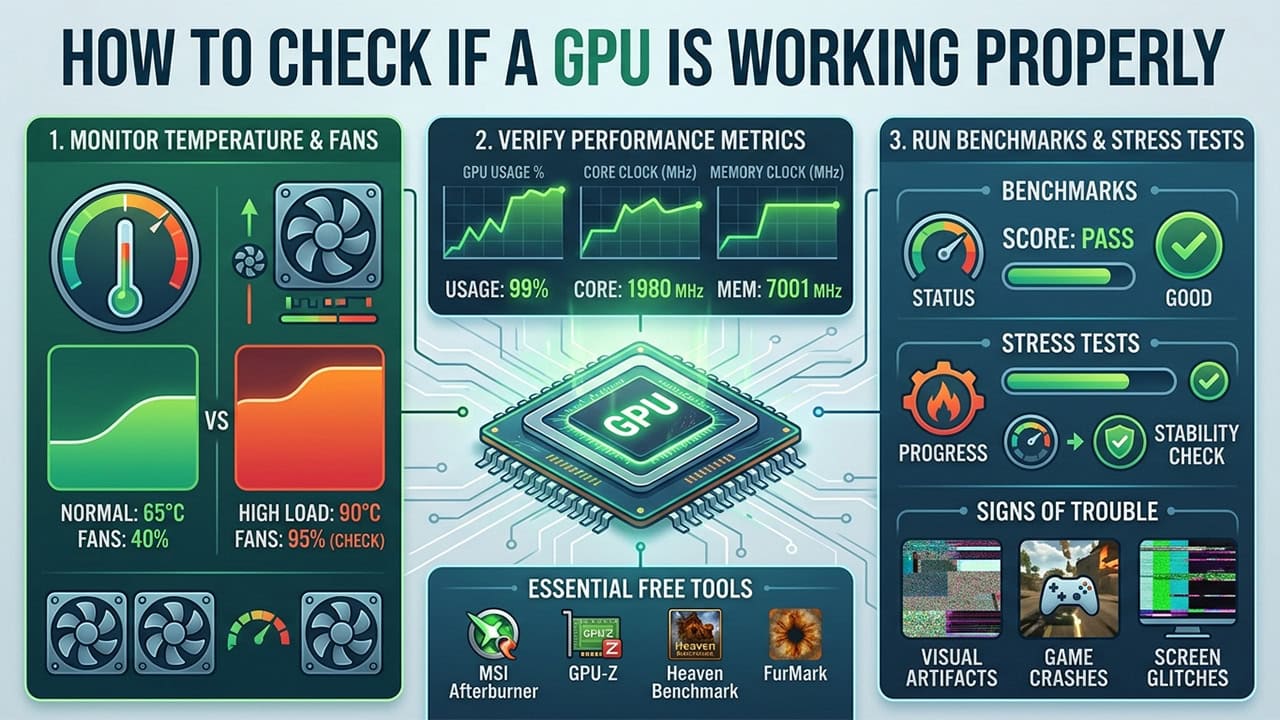
How to Check If a GPU Is Working Properly
Test your graphics card using Task Manager and MSI Afterburner. Covers monitoring, benchmarking, and common GPU problems with fixes.
How Much Energy Do Gaming Computers Use?
Uncapped frames burn GPU power for nothing. What a gaming PC draws under load, what it costs to run per year, and how to cut it.