Parts of a Computer System
By Marlo Strydom · Published
Parts of a Computer System include hardware, software, and data that work together to accept input, process it, store it, and produce output. NIST's computer definition describes a computer as a device that accepts digital data and follows program instructions to process it.
This is broader than the parts inside the case, but narrower than an information system used by an organization. NIST's information system definition covers the wider set of resources used to collect, process, maintain, share, and use information.
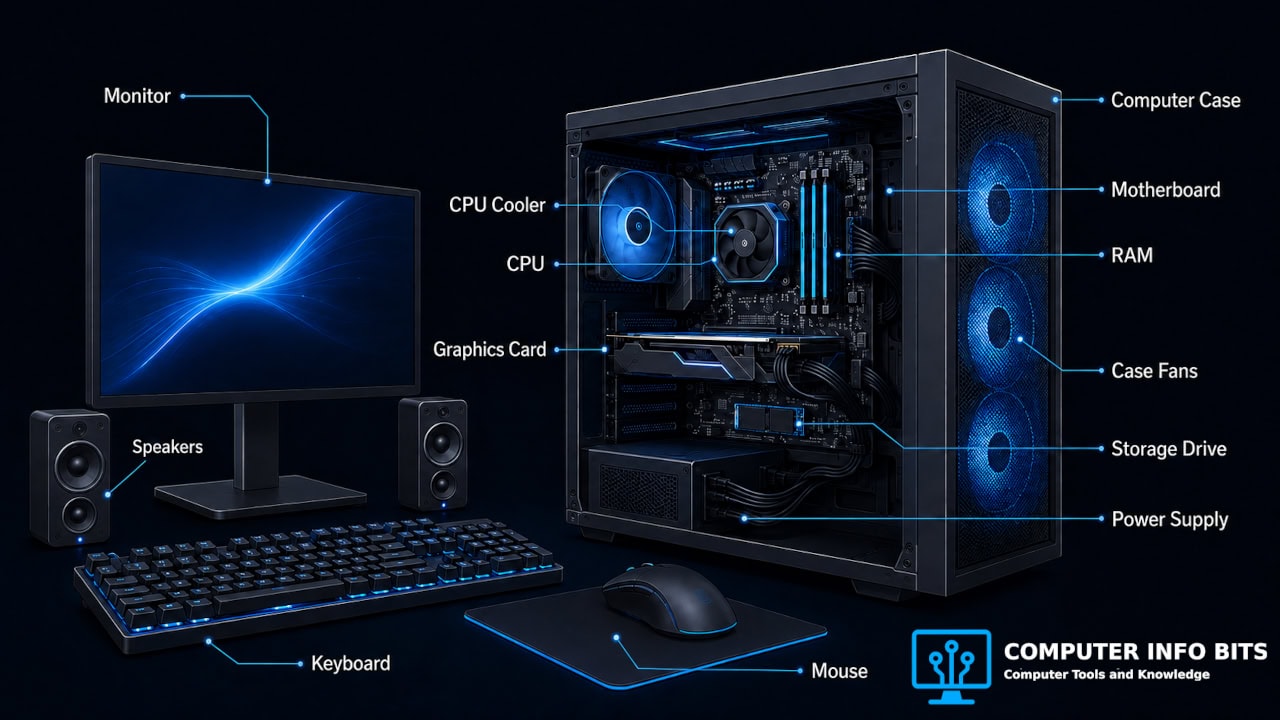
1. Hardware
Hardware means the physical devices in the system. IBM's hardware overview groups these devices by jobs such as processing, storage, input, output, communication, power, and cooling. The table keeps those jobs together without repeating the full breakdown in our computer hardware guide.
| Hardware Group | Examples | Job in the System |
|---|---|---|
| Processing and working memory | CPU and RAM | Carries out instructions and holds data that is being used. |
| System connections | Motherboard, ports, and expansion slots | Connects internal parts and attached devices. |
| Storage | SSD, hard drive, and external drive | Keeps the operating system, apps, and saved files. |
| Input | Keyboard, mouse, microphone, scanner, and camera | Sends commands or captured data into the computer. |
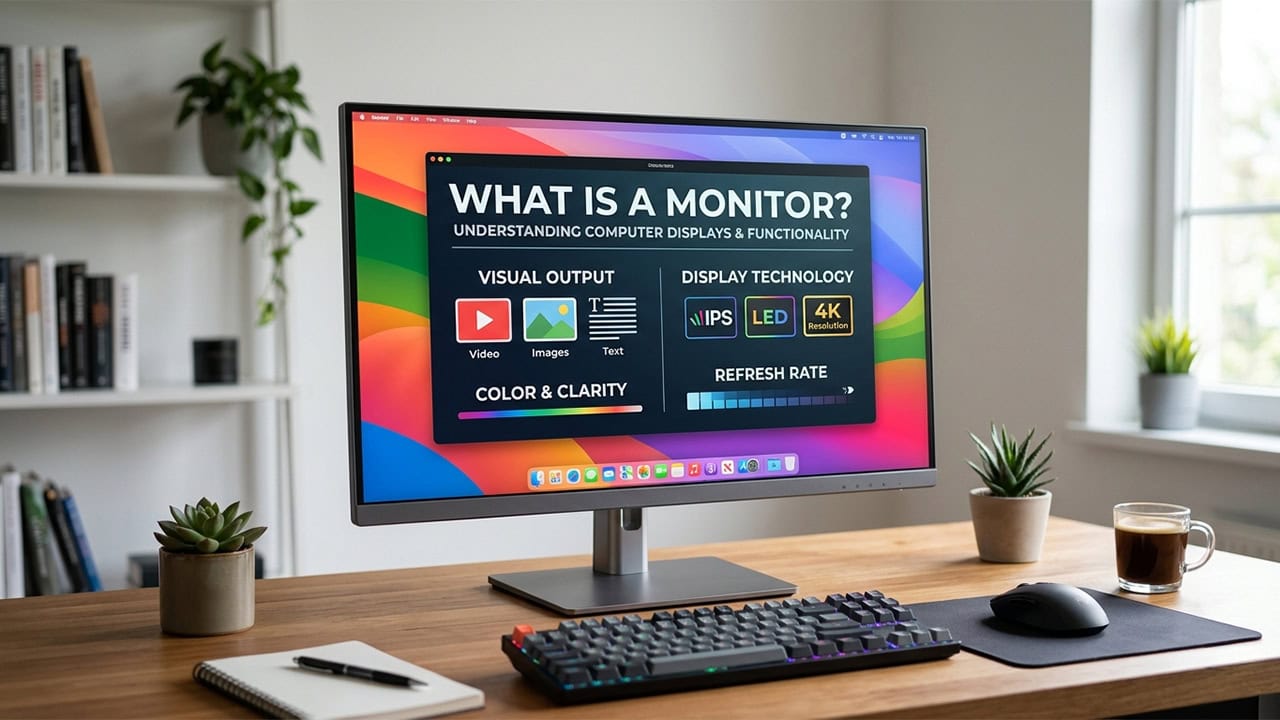
| Output | Monitor, speakers, printer, and projector | Presents the result to the user. |
| Communication | Network card, Wi-Fi adapter, router, and modem | Moves data between the computer and other systems. |
| Power and cooling | Power supply, battery, heatsink, and fans | Supplies usable power and moves heat away from working parts. |
2. Software
Software is the set of programs and instructions that gives the hardware work to do. IBM makes this hardware and software distinction: hardware performs the physical work, while software supplies the logic and commands.
Firmware
Firmware is software stored in hardware. It provides low-level instructions that help a device start and operate. The NIST firmware definition describes it as computer programs and data kept in hardware. BIOS and UEFI are familiar examples on a computer motherboard.
Operating System
The operating system manages the computer and provides common services for application programs. The NIST operating system definition calls it the master control application and explains that apps use it for tasks such as the user interface and file management.
Device Drivers
A driver lets the operating system communicate with a device. Microsoft's driver guide shows how an app sends a request through the operating system and driver before the device returns data.
Application Software
Applications help the user perform a task. A web browser opens websites, a word processor edits documents, and a media player plays audio or video. Apps rely on services from the operating system, which is why the NIST operating system entry describes communication between applications and the operating system.
3. Data
Data is the information the computer receives, changes, stores, or sends. It can include text, numbers, images, sound, video, settings, and saved files. NIST defines data as information in a specific representation. Data is not a physical device or a program, but the system has little useful work to do without it.
How the Parts Work Together
Saving a document shows each part doing a different job. The sequence follows the input, processing, storage, output, and communication roles described in IBM's hardware overview.
- Input: The keyboard sends typed characters to the computer.
- Software control: The word processor and operating system interpret the command.
- Processing: The CPU follows the instructions while RAM holds the active document data.
- Storage: The SSD or hard drive keeps the document when it is saved.
- Output: The monitor shows the text and the result of each command.
- Communication: Network hardware sends a copy when the file is emailed or synced.
If one required layer is missing, the task stops. Hardware without instructions has no job to follow, while software cannot run without physical processing, memory, storage, and input or output devices.
Computer System, System Unit, and Information System
These terms sound alike but describe different boundaries. The distinction prevents the computer case, the complete setup, and the wider organization from being treated as the same thing.
| Term | What It Includes | Example |
|---|---|---|
| System unit | The case and the internal hardware inside it. | A desktop tower containing the motherboard, CPU, RAM, storage, power supply, and cooling. |
| Computer system | The hardware, software, and data used together. | The system unit, monitor, keyboard, operating system, apps, and files. |
| Information system | A wider set of information resources used for an organized purpose. | A business system that uses computers, stored records, staff, and working procedures. |
Where Users and Procedures Fit
People and procedures can be part of the surrounding information system, but they are not computer hardware. This wider meaning follows NIST's information system entry. In a classroom, check which meaning the lesson uses before listing the parts.
For a closer look inside the case, continue with the parts and functions guide. The motherboard parts guide then shows how the main internal components connect.
Related Posts
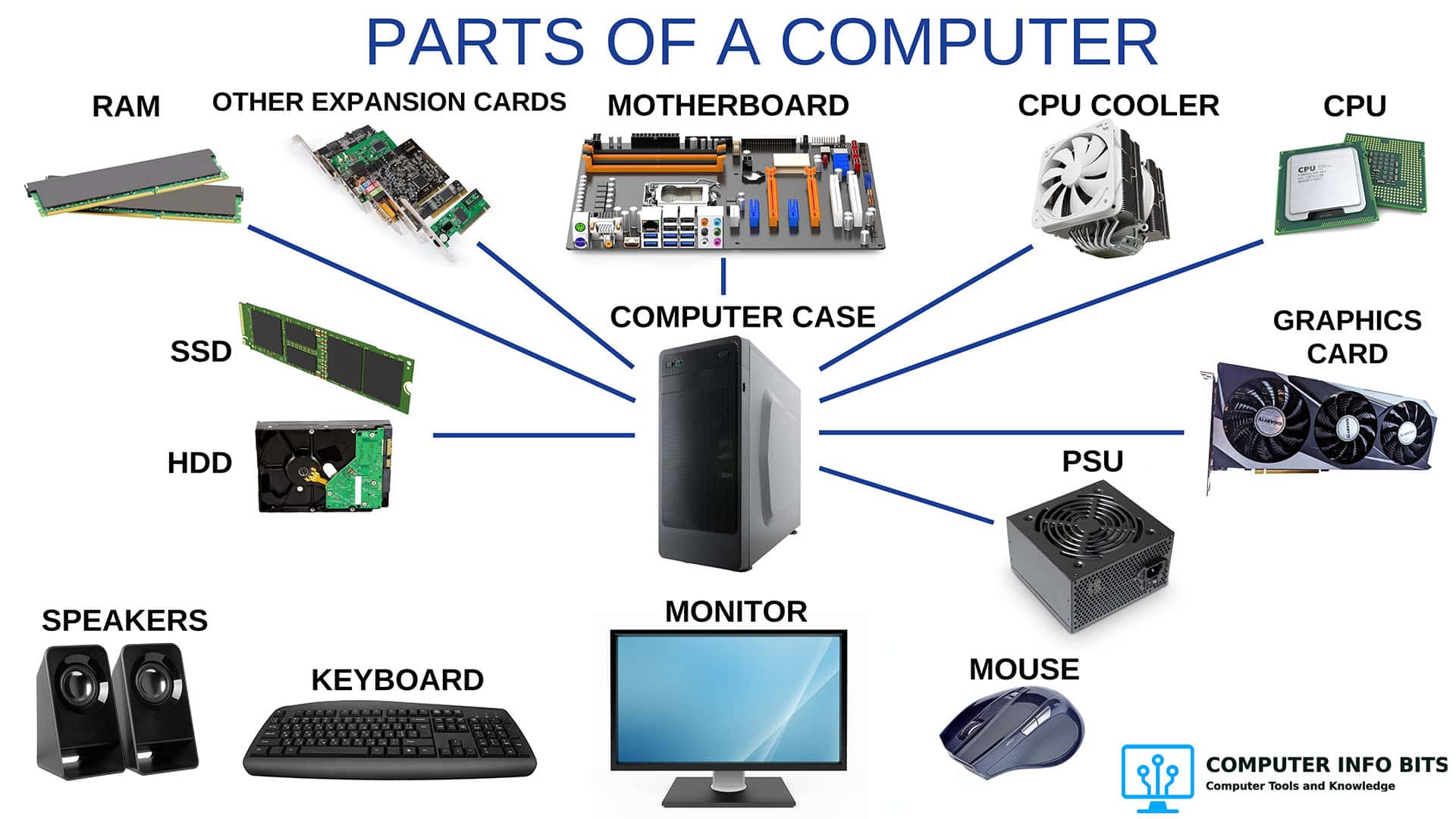
Parts of a Computer and Their Functions
Identify the physical parts inside and outside a desktop computer.
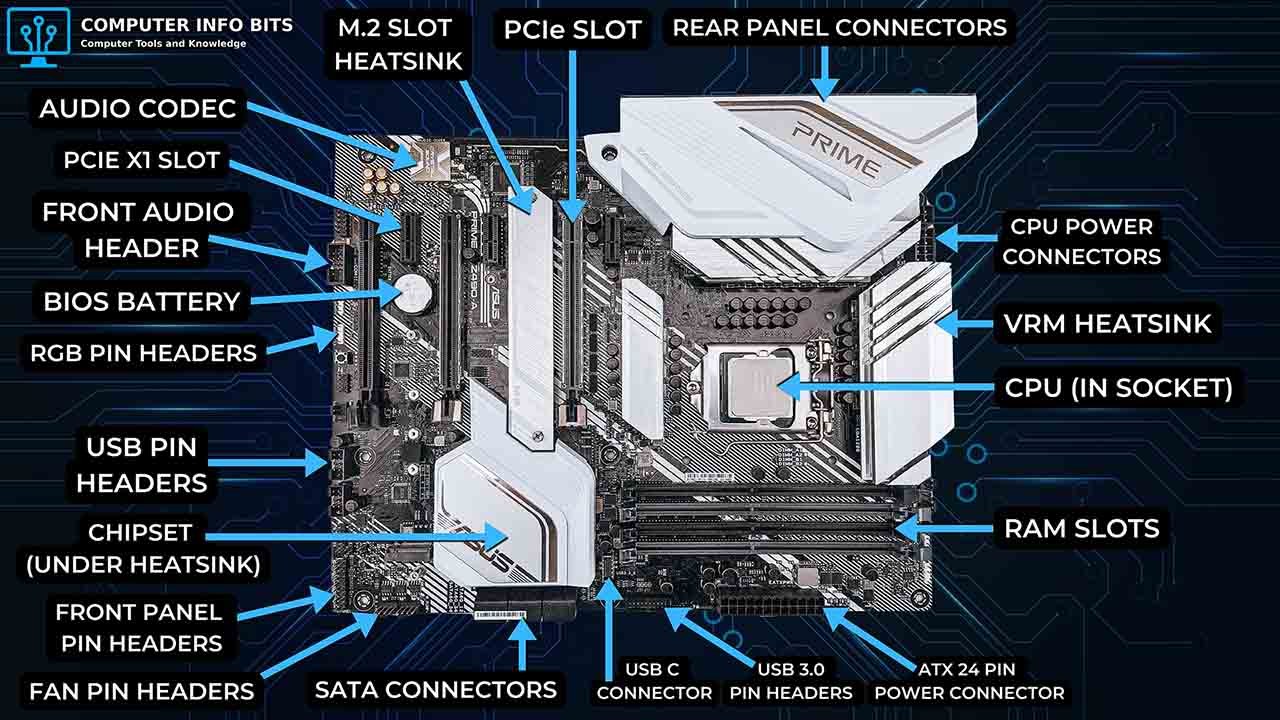
Parts of a Motherboard and Their Functions
Find the sockets, slots, connectors, headers, and ports on a motherboard.
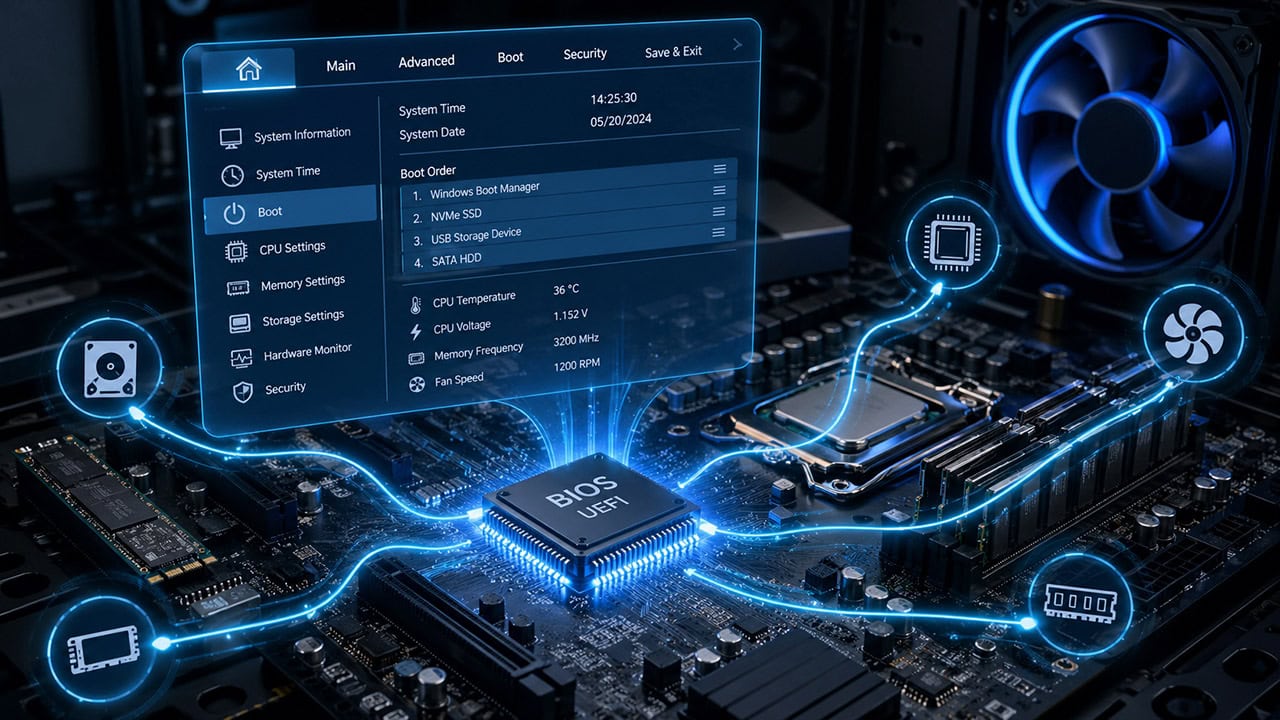
Understanding the BIOS and Its Main Functions
See how firmware checks hardware and starts the operating system.
What Is a Monitor and the Various Types
Learn how this output device displays information from the computer.